


BOOKS & CONNECTION
StorySign
Digital books. Personal connections.
Product focus
- Personalized author signatures
- Signed eBook library
- Reader and author connections
The experience
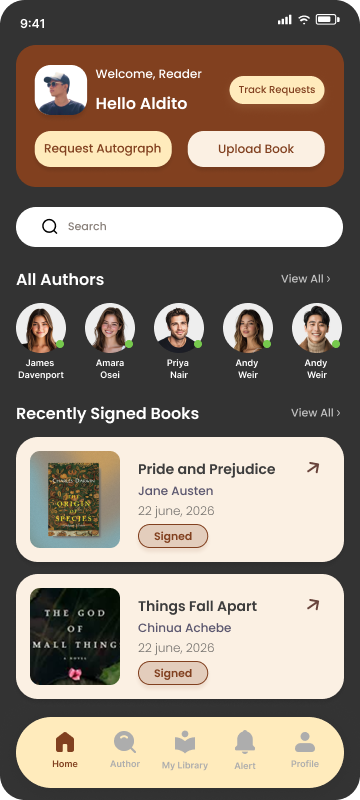
- Author profiles
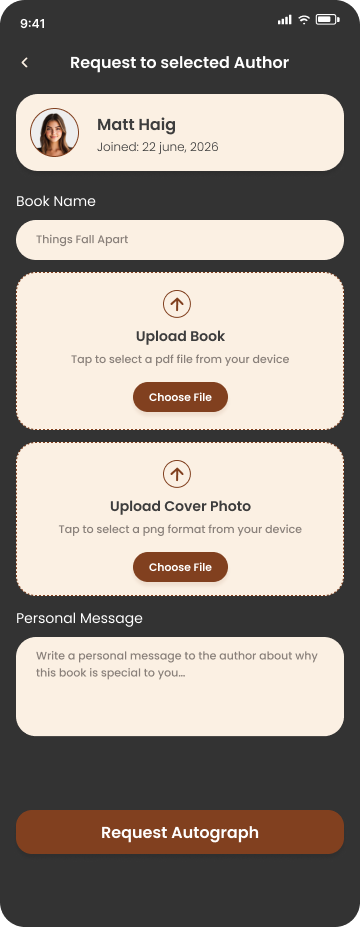
- Autograph requests
- Request management
01 / OVERVIEW
A personal connection. On every page.
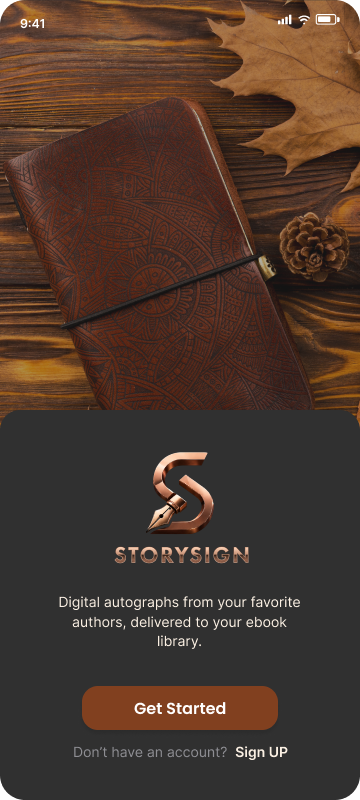
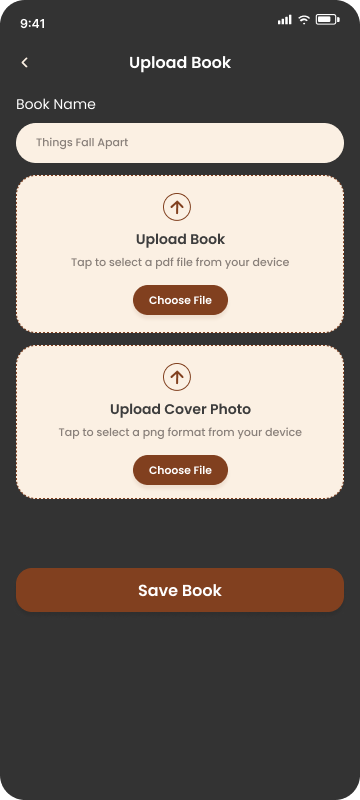
StorySign brings personalized author signatures into digital reading. Readers can upload existing PDF eBooks, request an autograph from a participating author, and keep signed editions in a digital library.
Featured in the published Appsters portfolio.
Visit project websiteTHE PROBLEM
Digital reading can lose a personal moment.
A signed physical book creates a connection between reader and author. Digital books are convenient, but that experience can be harder to recreate when signings depend on events and location.
THE CHALLENGE
Bring the author and reader closer.
The product brings together two different needs: readers want a personalized signed edition, while authors need a place to review and manage incoming autograph requests.
THE SOLUTION
Give the signature a digital home.
Author profiles, personalized requests, request management, and a signed-eBook library connect the reader’s collection with the author’s participation.
02 / PRODUCT CAPABILITIES
What the experience
makes possible.
Explore the product features described in the published project material.
Discover
Readers can explore author profiles and autograph options.
Personalize
Participating authors can review, accept, or decline requests.
Collect
Completed signed eBooks can be accessed in a digital library.
03 / HOW IDEAS TAKE SHAPE
Our Approach.
A collaborative delivery loop: prioritize, plan, build, review, and refine. The approach is shaped to each engagement.
Start with your ambition.
We explore your audience, goals, and the problem worth solving, then turn those insights into a prioritized product backlog.
04 / THE PRODUCT EXPERIENCE
Digital books. Personal connections.
The published Appsters case study describes a reader experience built around personalized autograph requests, author profiles, and a digital library.
- 01
Find an author
Explore profiles and available autograph options.
- 02
Request a signature
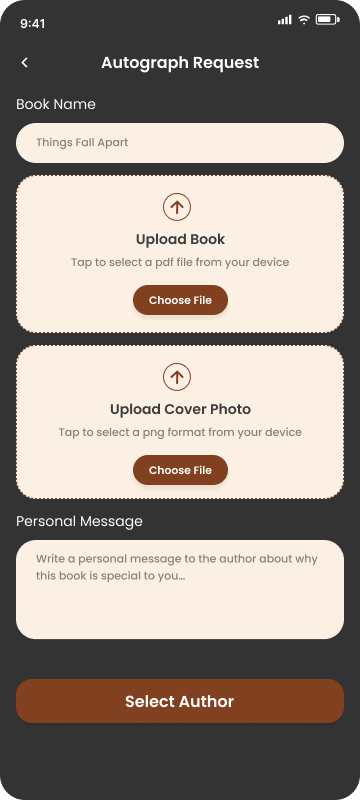
Upload a PDF eBook and request a personalized autograph.
- 03
Keep the connection
Receive the signed edition and manage it in the digital library.
05 / THE INTERFACE IN FOCUS
A closer look.
A clearer experience.
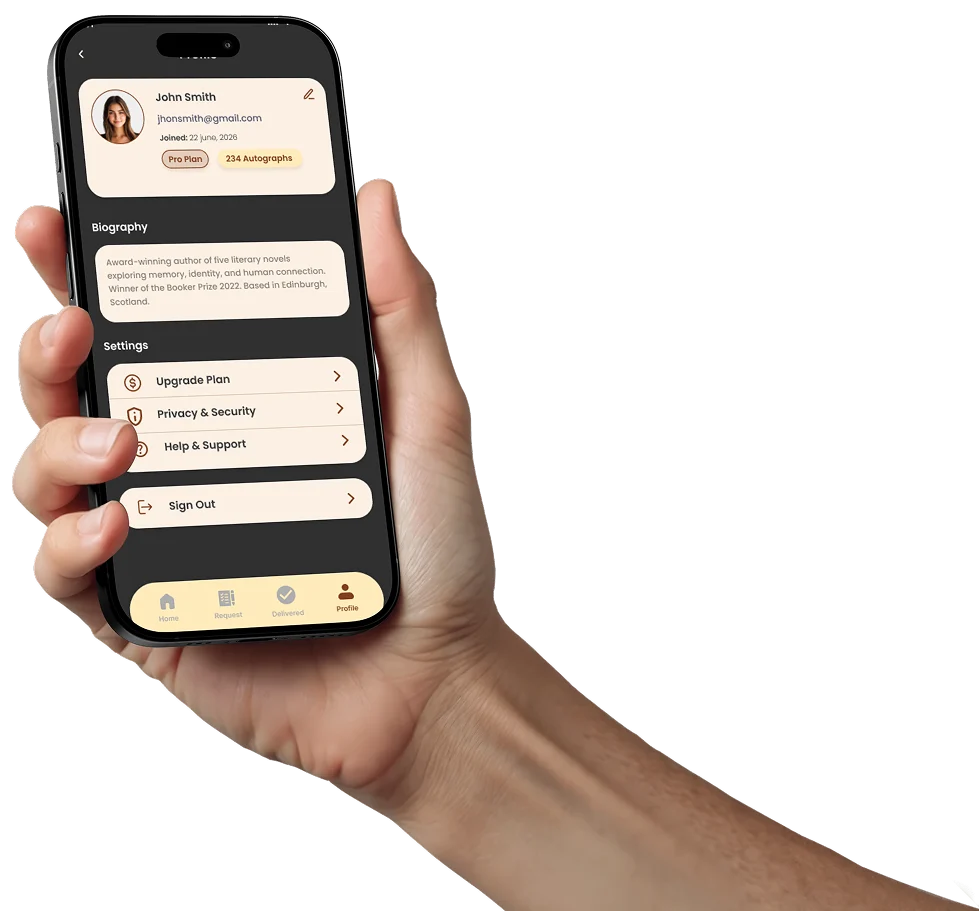
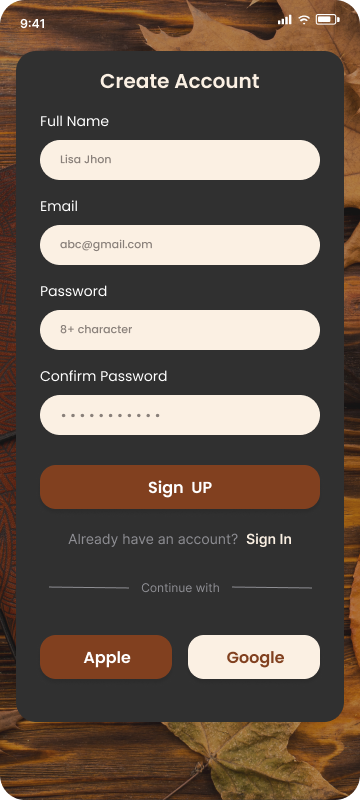
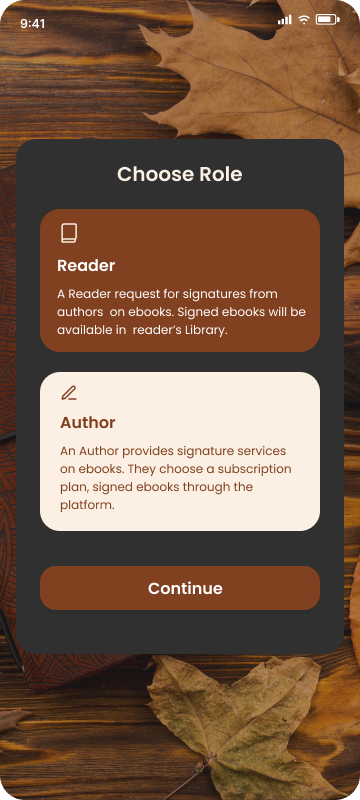
Explore the original StorySign product visuals.
Explore the Figma design ↗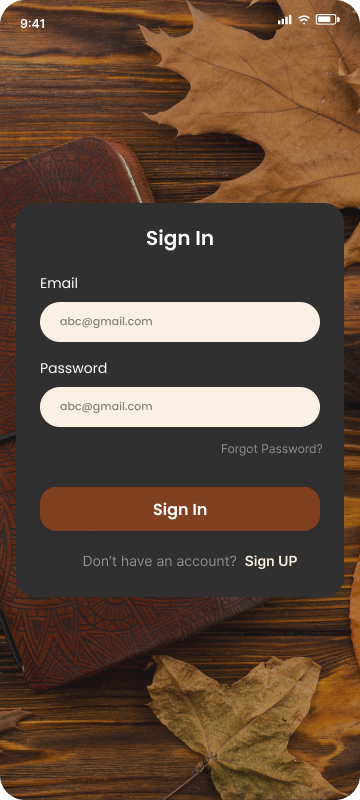
06 / PROJECT DETAILS
Explore the
connected product.
The published Appsters case study describes a reader experience built around personalized autograph requests, author profiles, and a digital library.
Author profiles · Autograph requests · Request management · Signed-eBook library
Digital reading experience · PDF eBook uploads · Android app listing
NEXT IN THE PORTFOLIO
Teddy Bear Lottery
A playful universe. A connected journey.
YOUR IDEA COULD BE NEXT